Videoscopes with Explosion Proof Certification
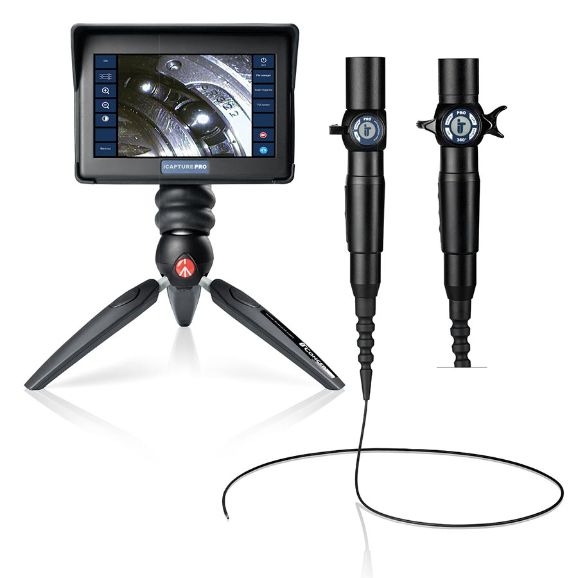
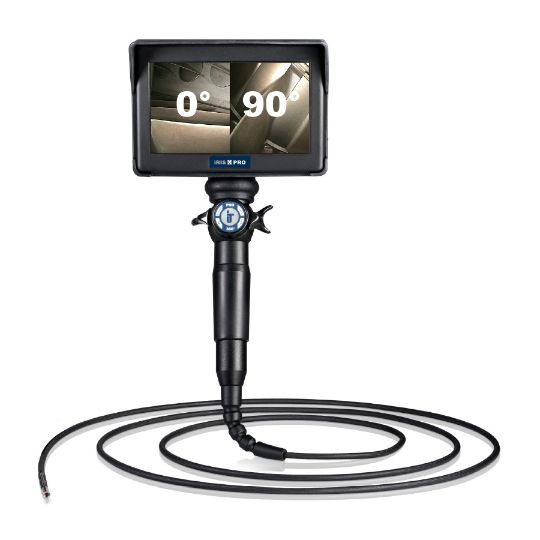
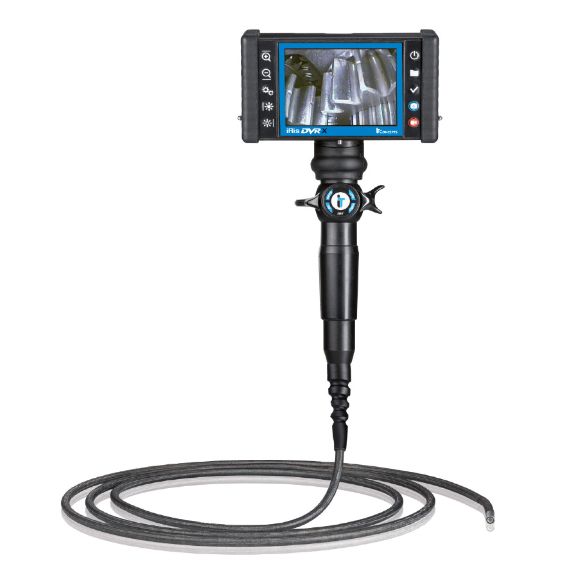
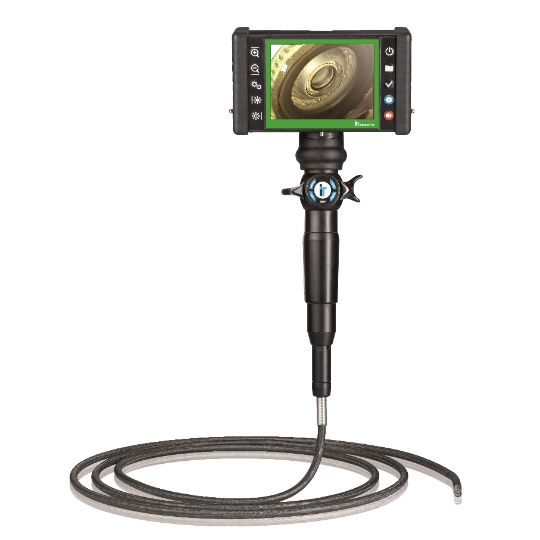
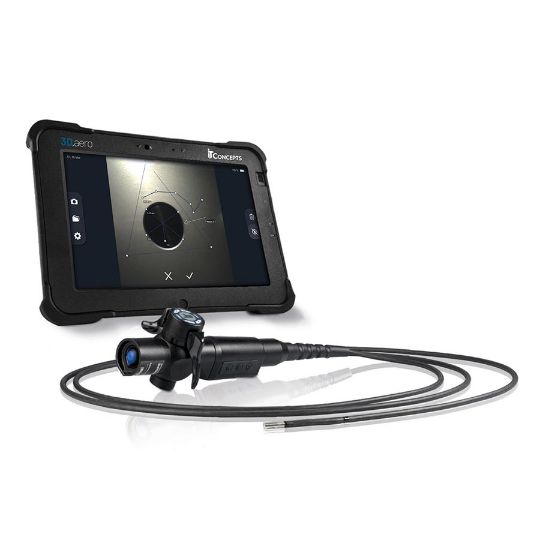
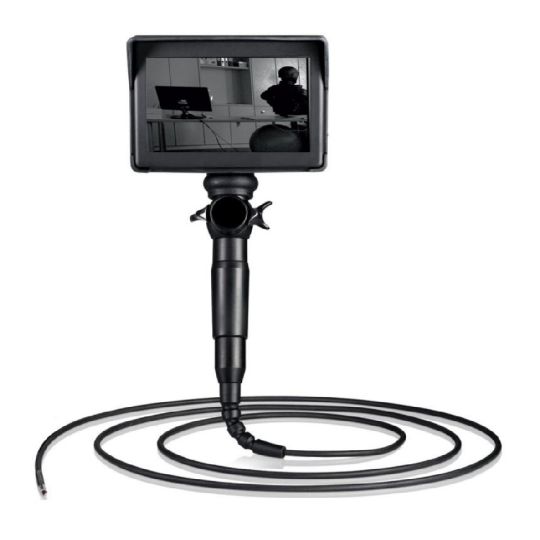
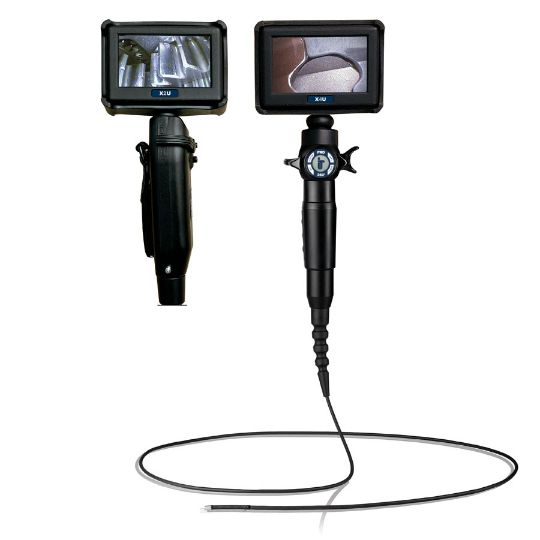
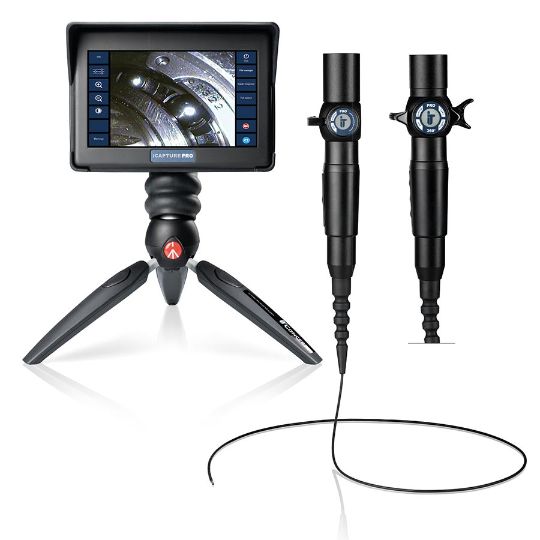
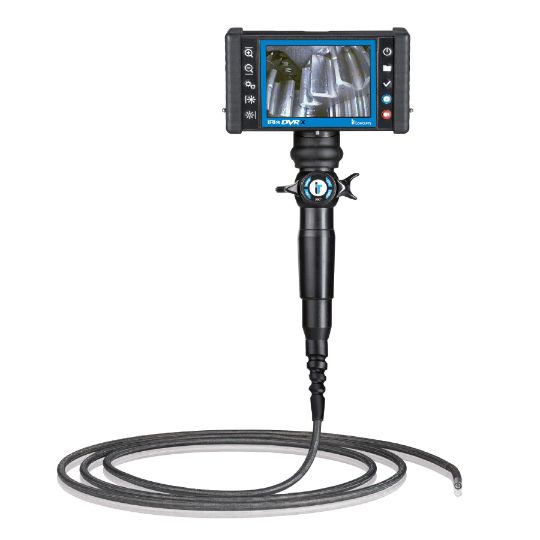
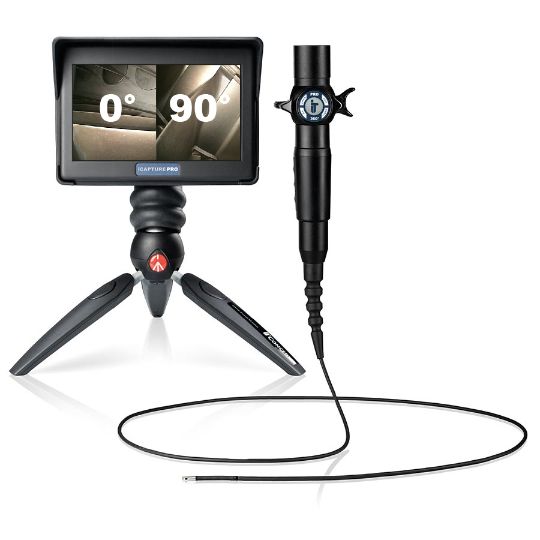
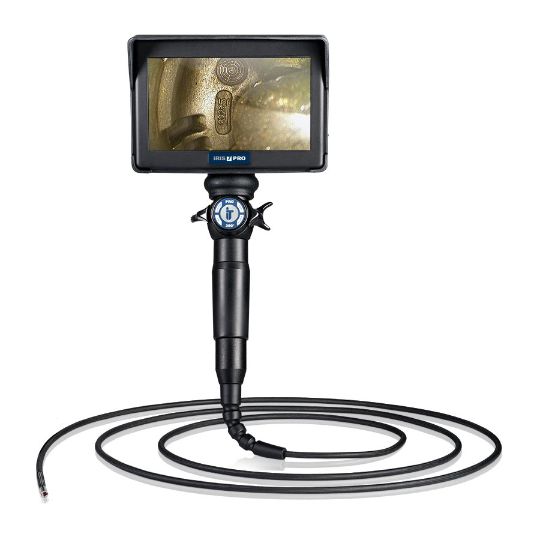
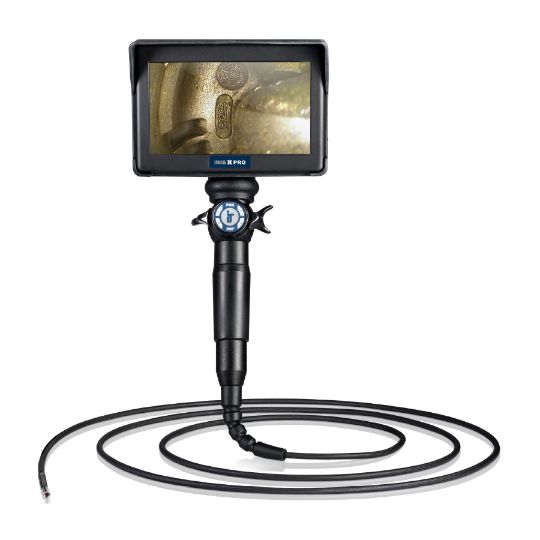
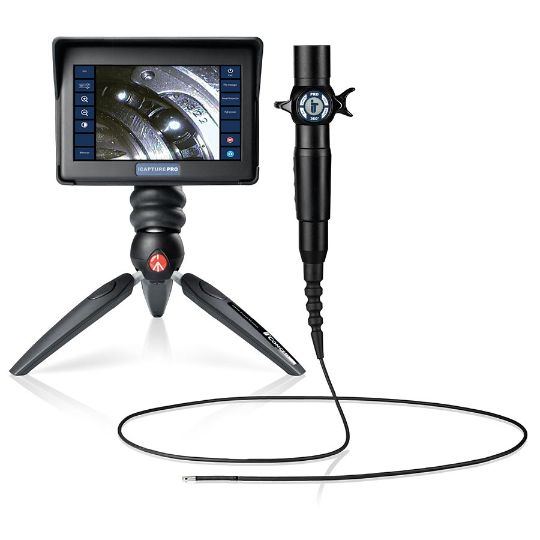
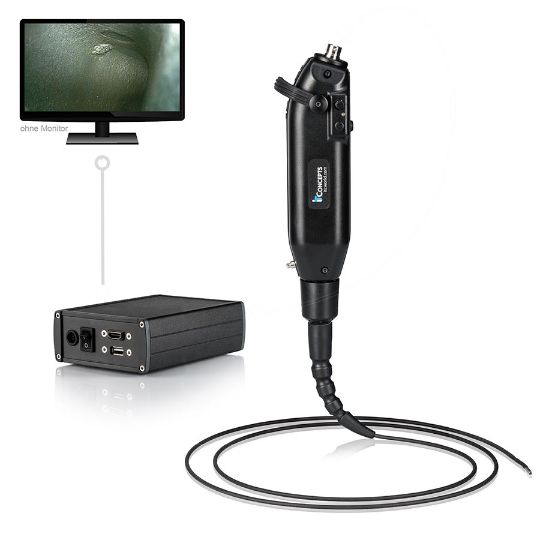
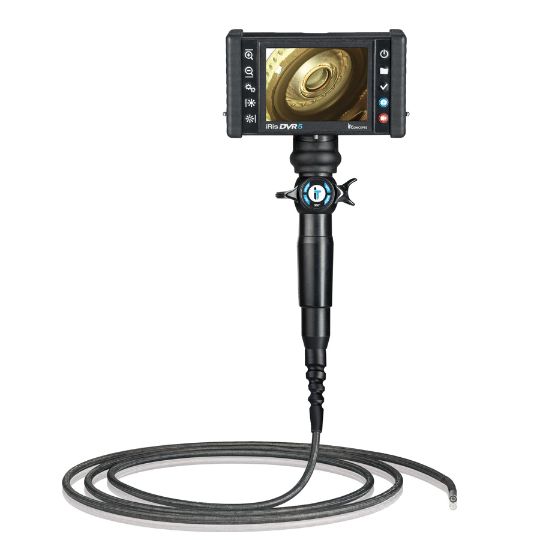
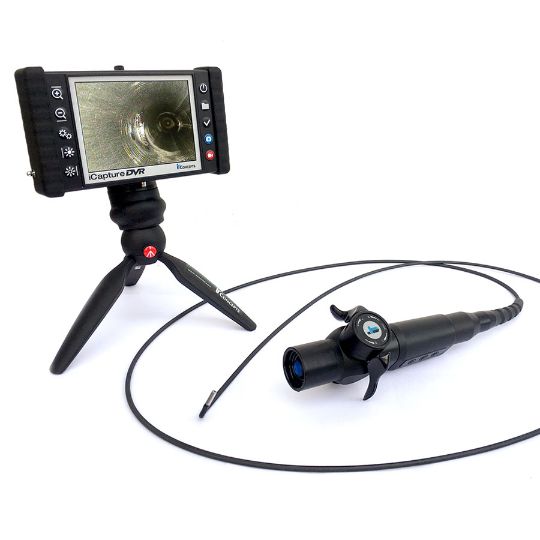
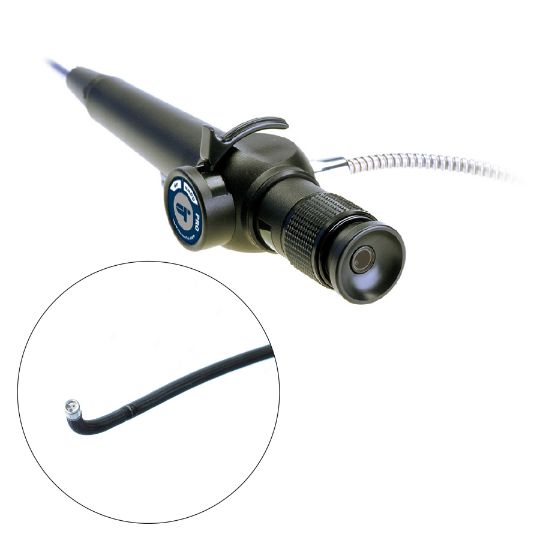
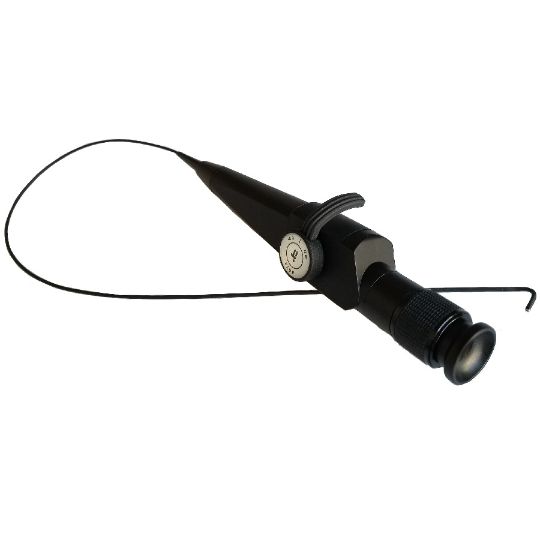
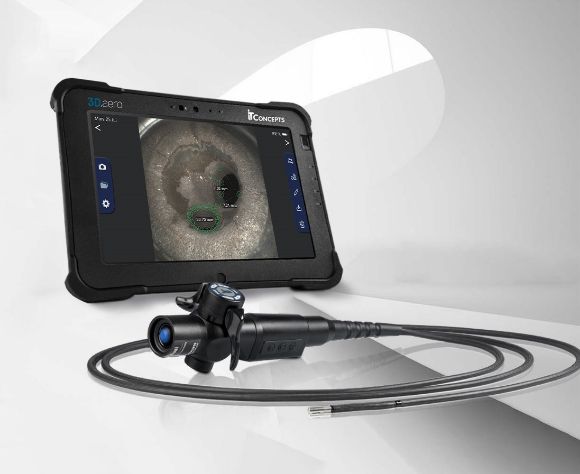
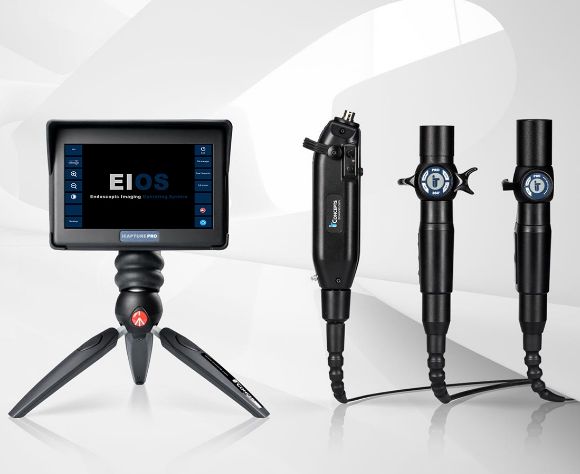
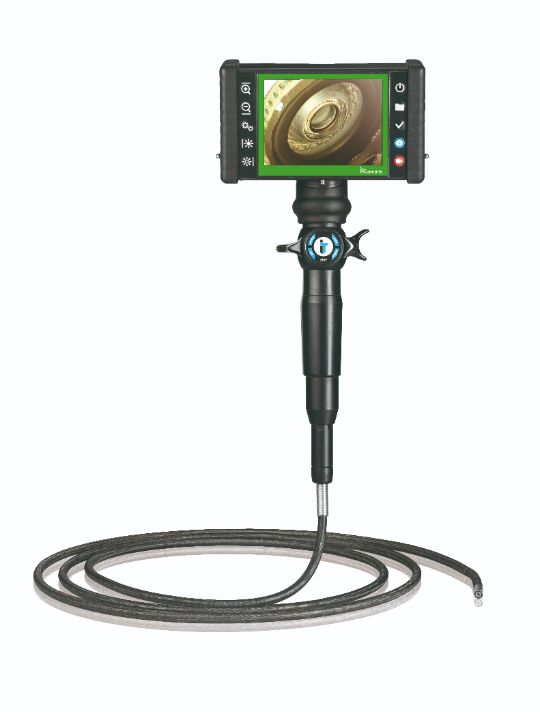
VIDEOSCOPE-XT - Explosion Proof Videoscope
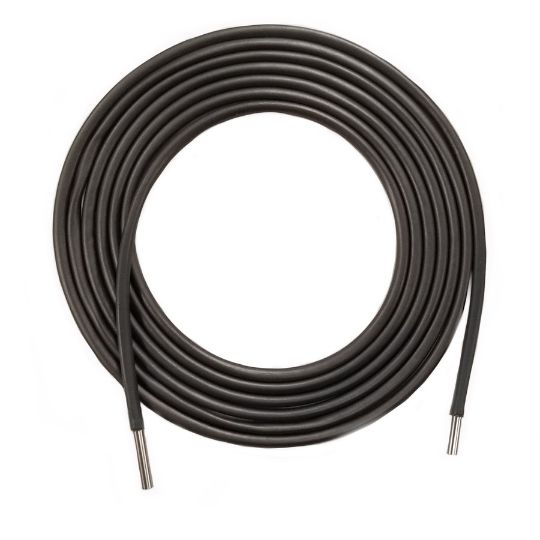
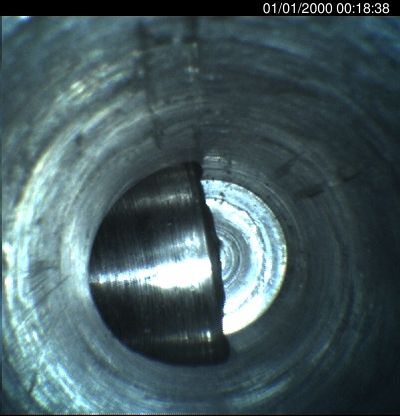
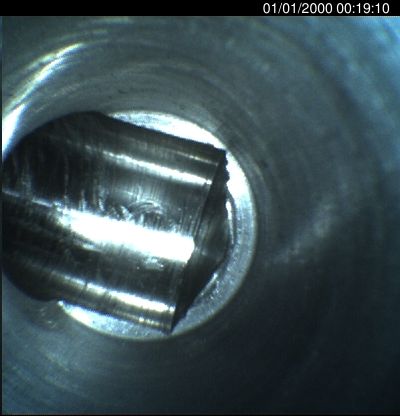
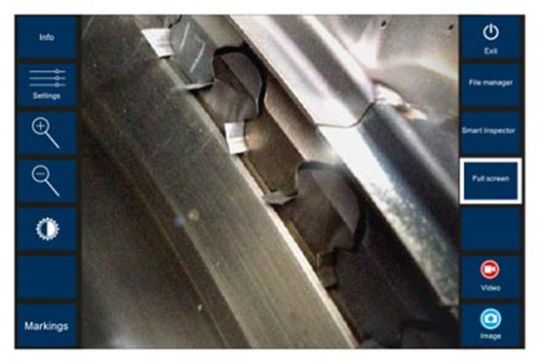
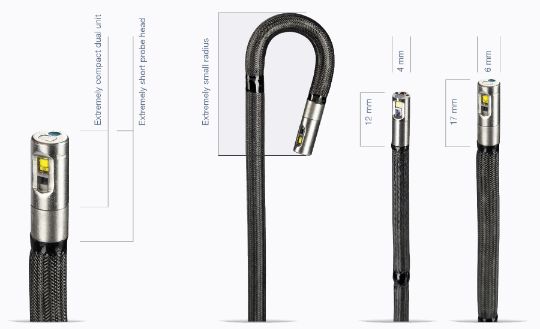
The VIDEOSCOPE-XT is the premier videoscope for hazardous locations, particularly explosive environments. Rated by UL, ATEX and tested to MIL-STD-810G, it is available in multiple diameters from 3mm up to 8mm and lengths up to 33 feet (10m).
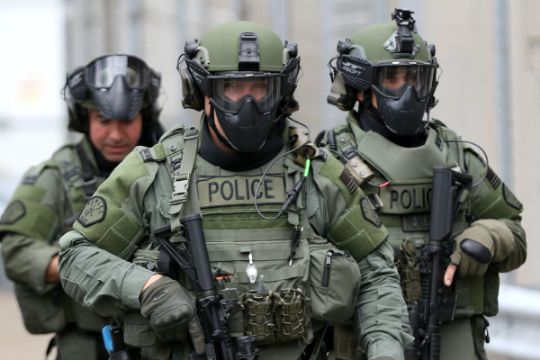
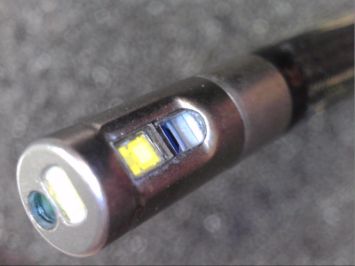
With more than a thousand units sold, explosion proof VIDEOSCOPE-XT is ideal for military, police, and forensic applications, gas compression, the oil and gas markets, aviation and aerospace industries, as well as other traditional applications where safety is a concern. The 8mm VIDEOSCOPE-XT explosion proof borescope camera, with dual distal end illumination, is more 30% brighter than any videoscope on the market.
Product Highlights:
- Tested Under MIL-STD-810G method 511.6 (explosive environment)
- UL Certified for Class I Division 2 Hazardous Locations (Class 1 Division 2, Class 1 Div 2, Class I Div 2, Class I Div II, Class 1 Div II)
- ATEX Certificate of Conformity for Group II Category 3 Equipment Intended for Use in Potentially Explosive Atmospheres Directive 2014/34/EU
- Safe, Cold Fiber Optic illumination supplied via LED in the handle eliminates potential for spark in Explosive Environments & Hazardous Locations